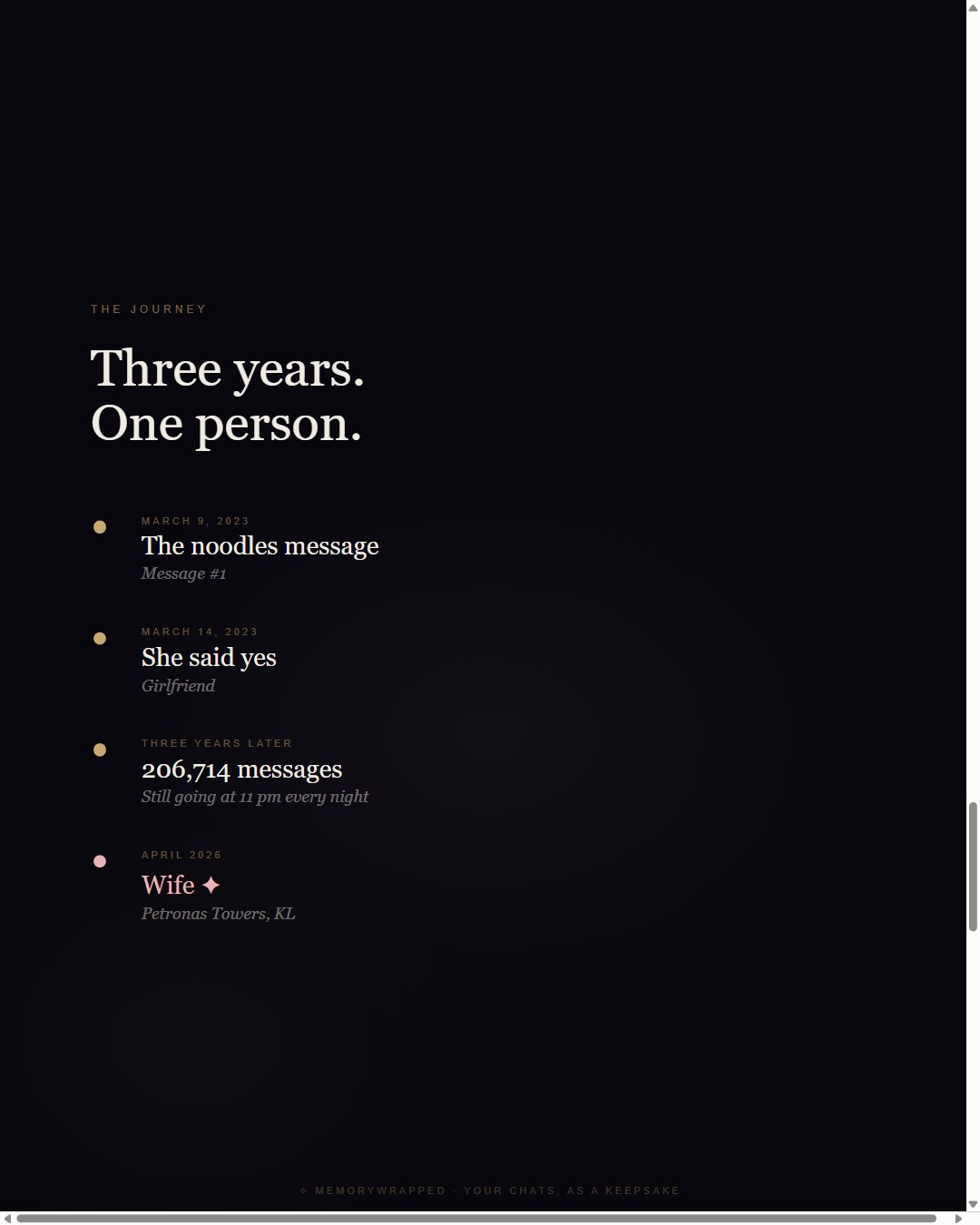
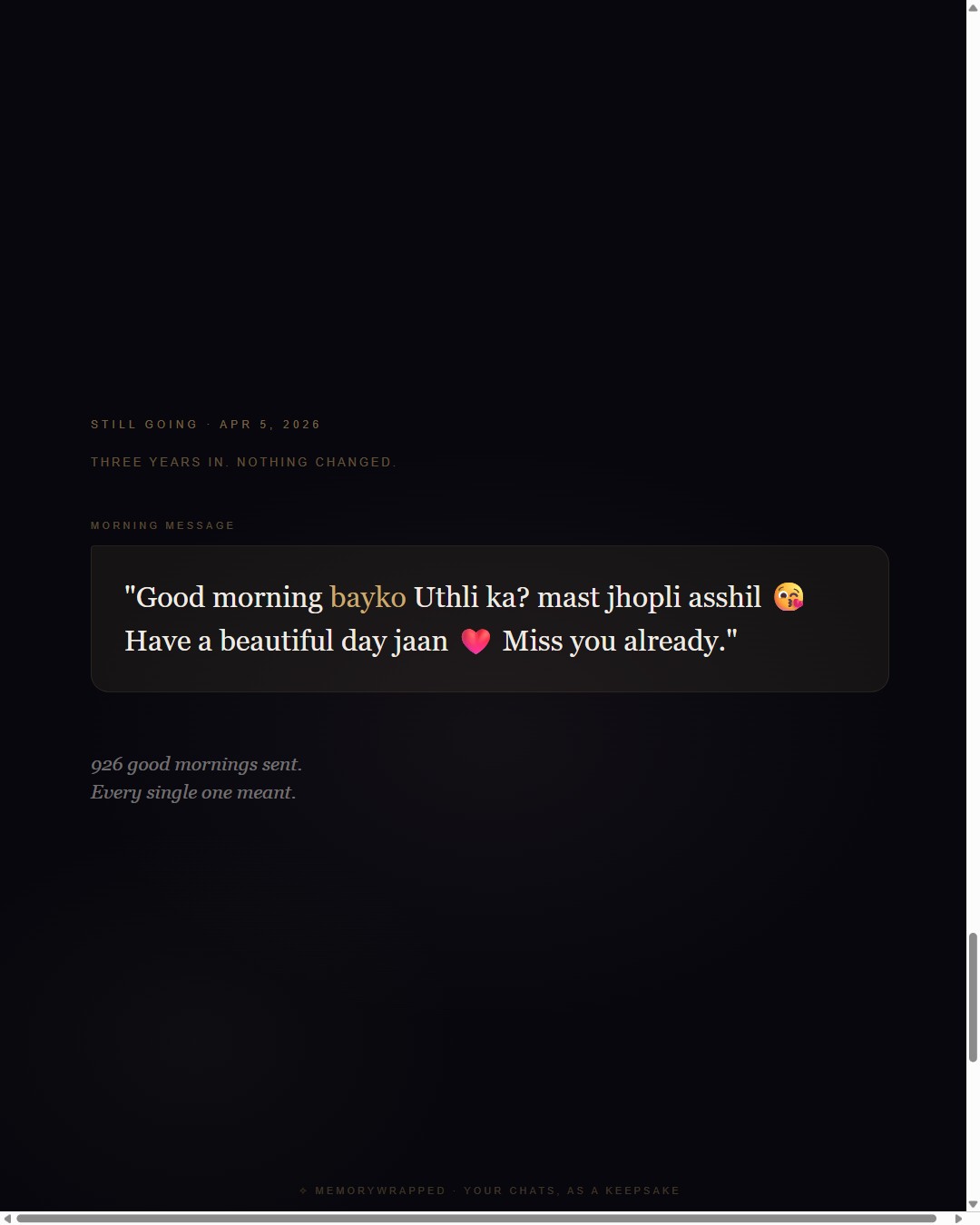
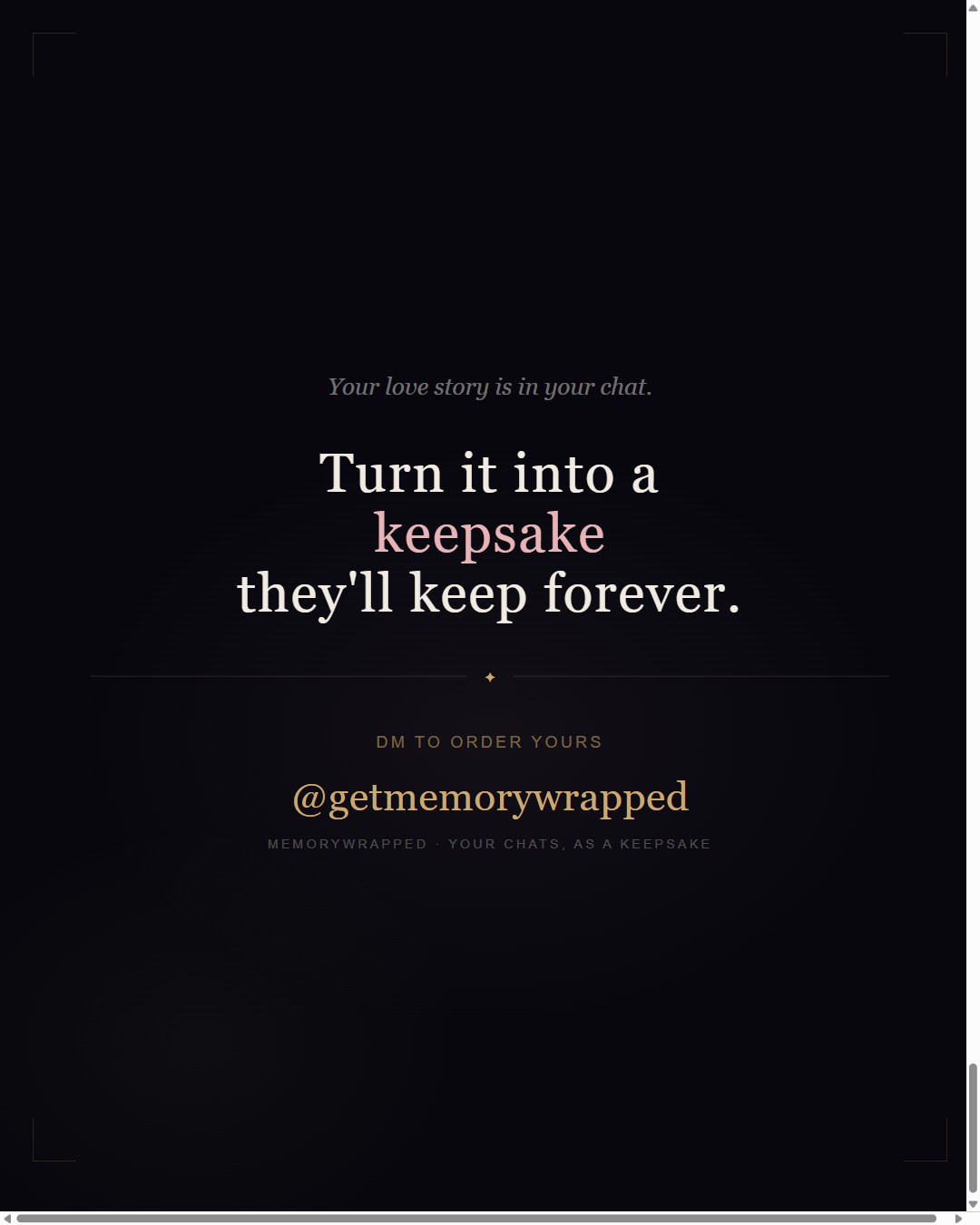
✧ WhatsApp · Instagram · Keepsake

Your story,
in cards.

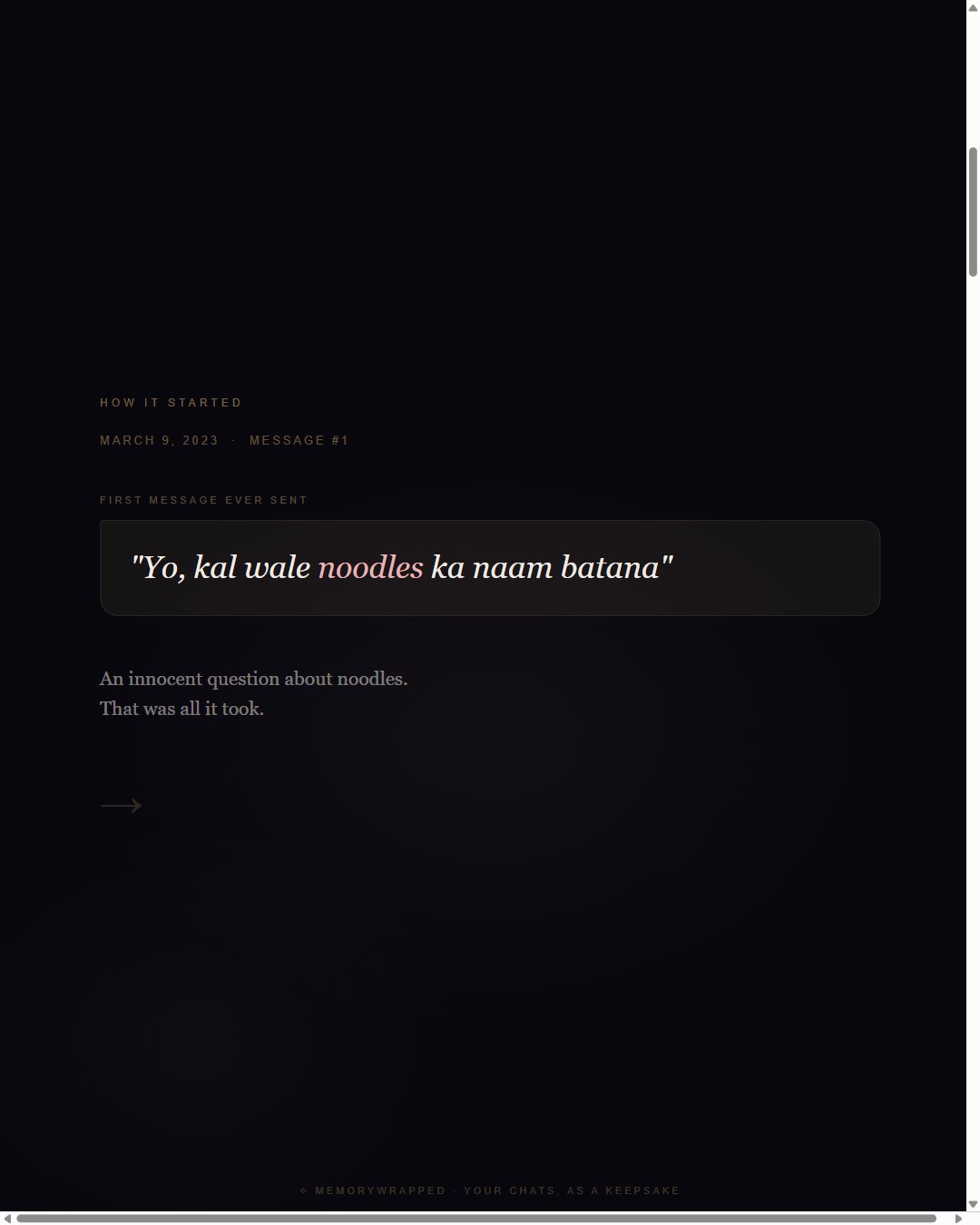
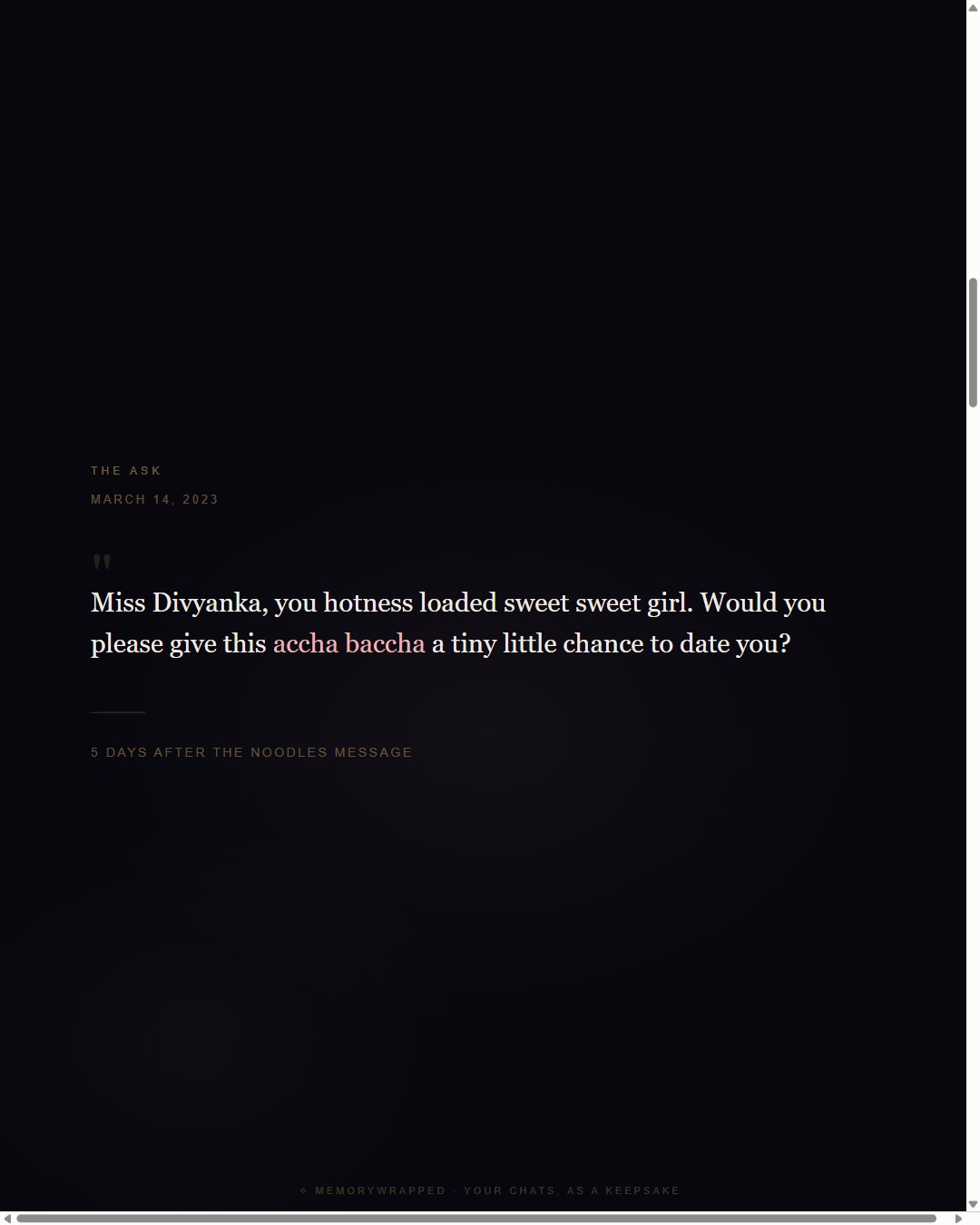
Upload your WhatsApp chat. Get personalized story cards — your first message, your numbers, your moments — generated instantly in your browser.

✦ Instant download Chat stays private No account needed
scroll
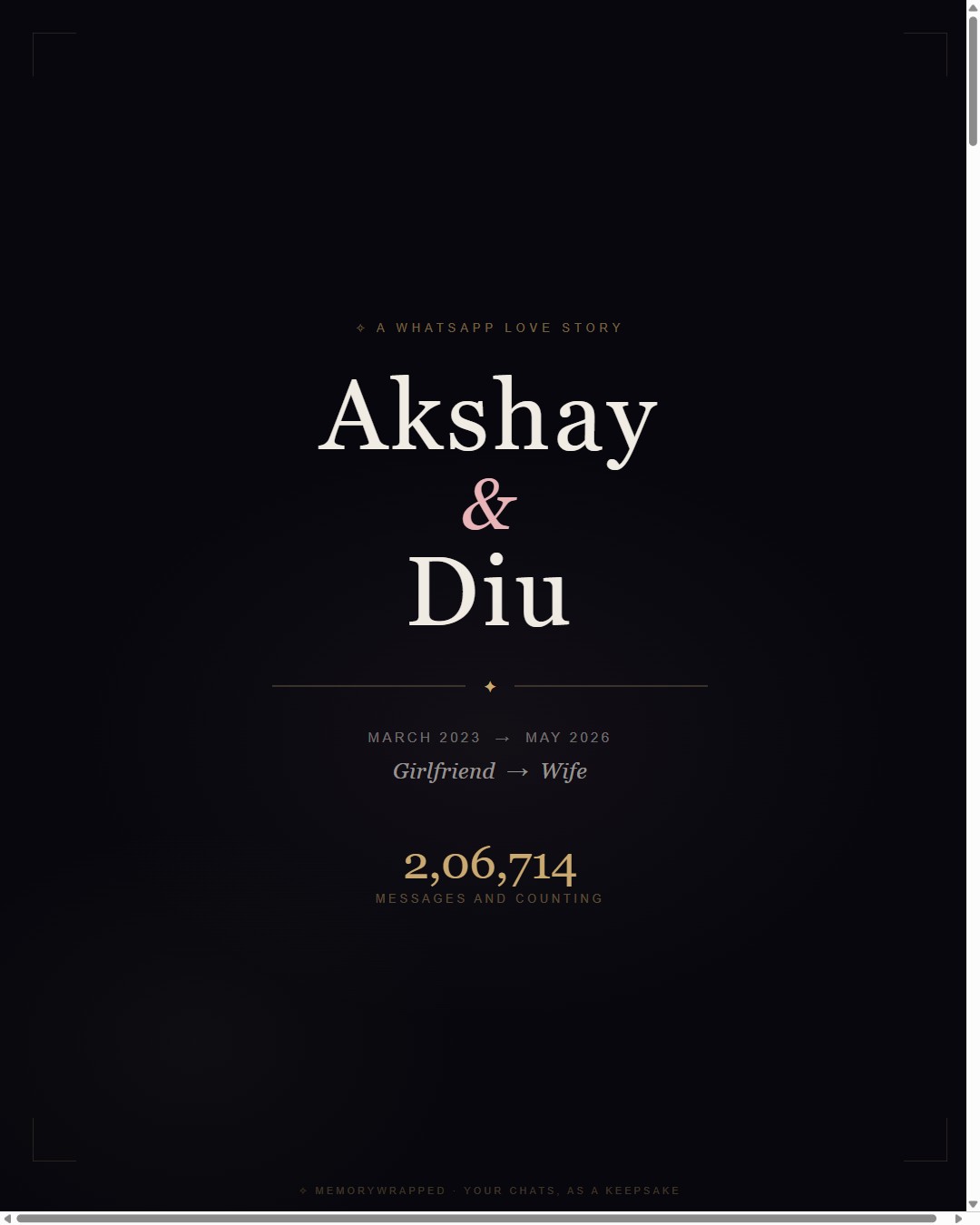
Your cover card How it started The ask Your numbers Daily rituals Your photo The journey Morning messages Your story
Cover
✓ Personalized story cards ✓ Generates in your browser ✓ Instagram carousel-ready ✓ Chat never leaves your device
What you get · Real deliverables

See exactly what we make.

Every sample below is a real MemoryWrapped deliverable — this is what you receive.

Simple · Private · Instant

How it works

01
Upload your chat

Export your WhatsApp conversation as a .txt file (Without Media). The browser analyses it instantly — nothing is sent anywhere.

→
02
Add your details

Enter your names, relationship type, upload a photo, and add any special moments or locations you want on the cards.

→
03
Download instantly

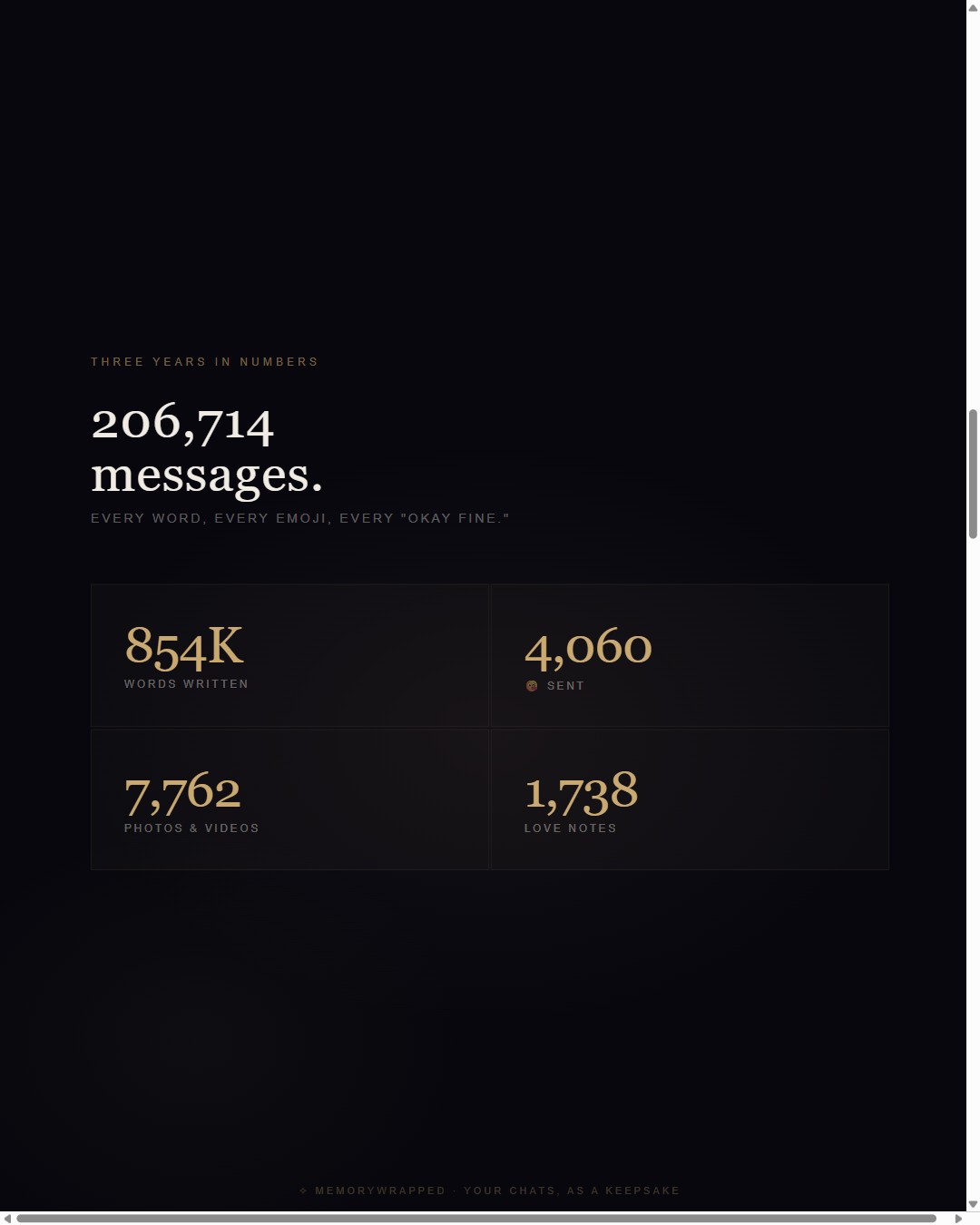
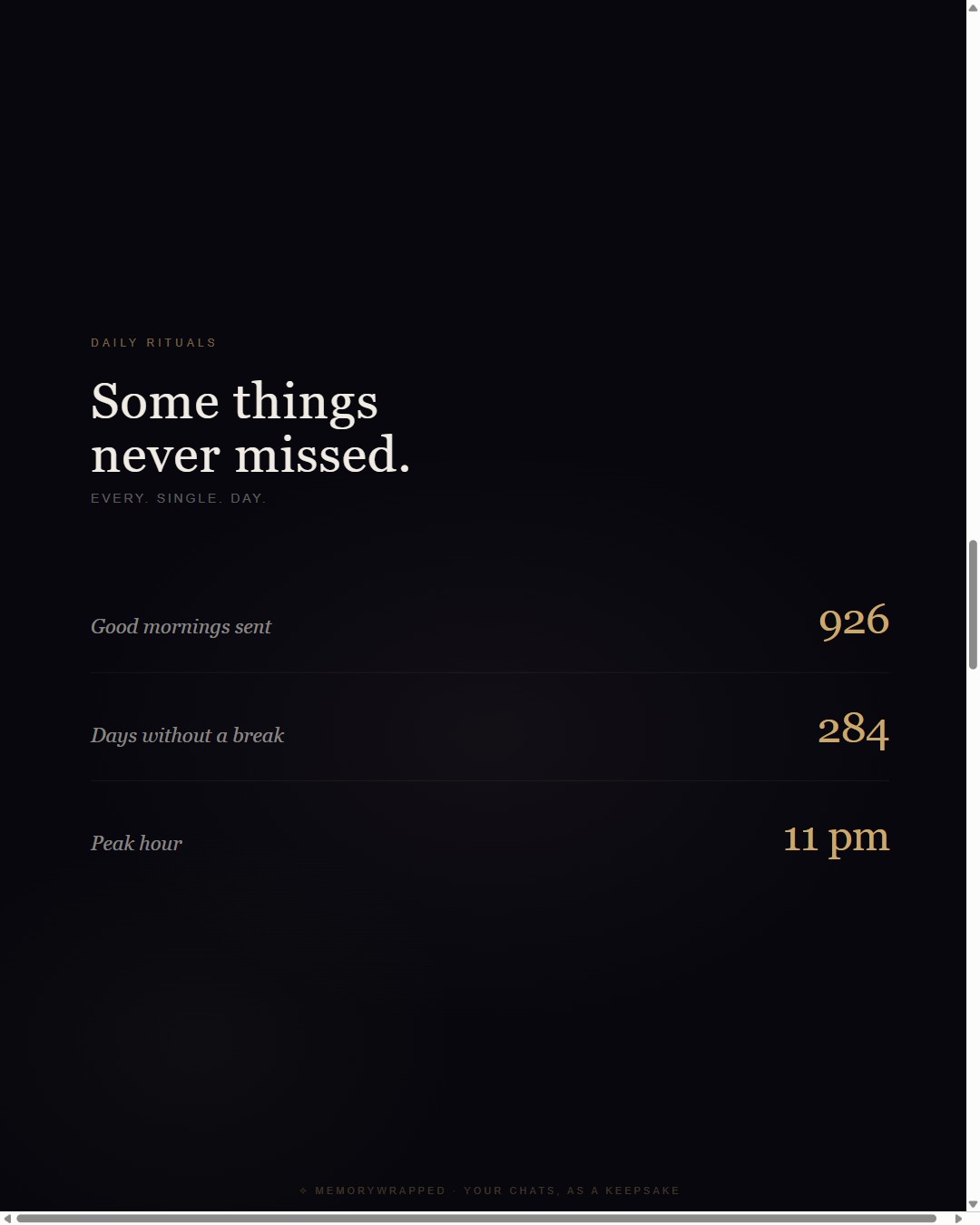
9 personalized cards render in your browser. Download as a ZIP — Instagram-ready 1080×1350 JPEGs, yours forever.

Choose your package

Simple, honest pricing

Every package generates and downloads automatically. No waiting, no back-and-forth.

Free Preview
₹0

3 watermarked cards · no payment

  • Cover card with your names
  • Your chat numbers
  • Daily rituals card
  • Watermarked "MemoryWrapped"
  • Instant browser download
  • Share on Instagram Stories
  • Chat stays on your device
Wrapped + Site
₹1,999

9 cards + cinematic website

  • All 9 Wrapped cards
  • Private cinematic website
  • akshaydivyanka.in/memorywrapped/YourNames
  • Hosted permanently, shareable link
  • Delivered within 48 hours
  • Best for anniversaries & weddings
🔒 Your raw chat text never leaves your device. Only names and stats are used — everything else stays private.
Questions

You might be wondering

Is my chat private?+
Yes, completely. Your .txt file is analysed entirely in your browser — it is never uploaded to any server. Only your names, message count, and date range are used to make the cards.
How do I export my WhatsApp chat?+
Android: Open chat → ⋮ → More → Export chat → Without Media → save the .txt file.

iPhone: Open chat → Tap the contact name → Export Chat → Without Media. The file will be named "WhatsApp Chat with [Name].txt".
How long does generation take?+
About 20–40 seconds for all 9 cards. Everything runs in your browser — you'll see a live progress bar and each card appear as it renders.
What format are the cards?+
Each card is a 1080×1350 JPEG — the perfect size for Instagram carousels. They're bundled in a ZIP for easy download. The Keepsake package generates 2× size (2160×2700), ideal for printing and framing.
Can I make this for a friend?+
Absolutely — it makes a beautiful gift. Ask your friend to export the chat and share the .txt file with you, then fill in their names and upload a photo of them.